


ROSA — Rapid Office Strain Assessment
Evaluate ergonomic risk at computer workstations — assessing chair, monitor, keyboard, mouse, and telephone configuration against validated office ergonomics standards.
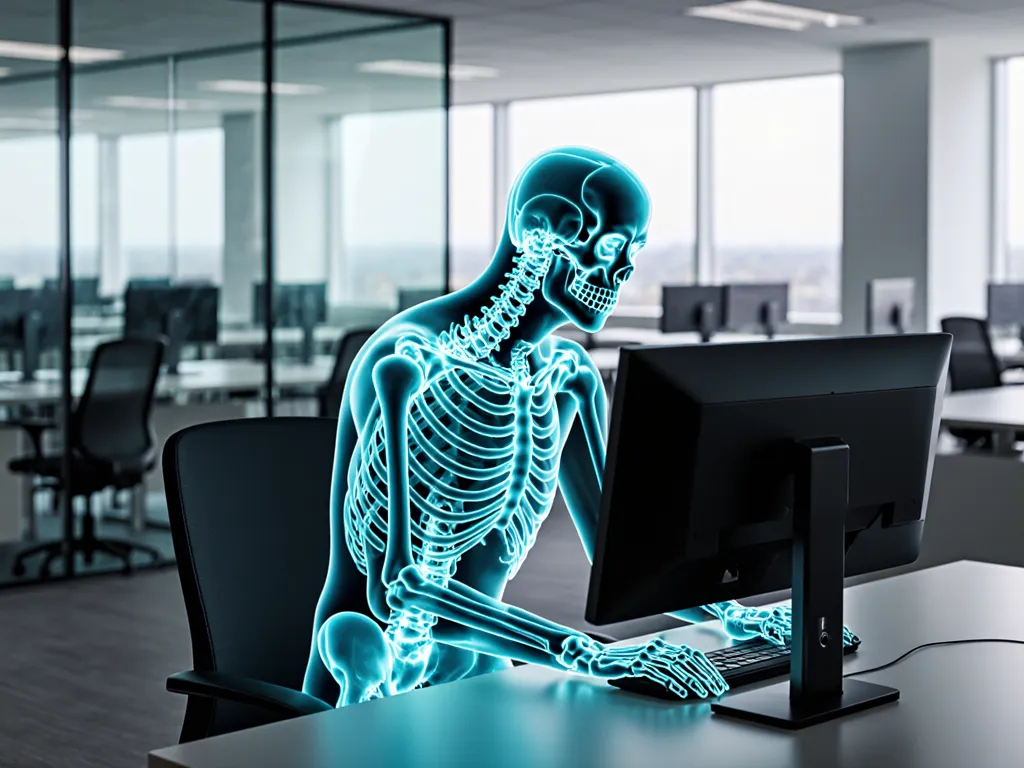
What is ROSA?
ROSA was developed specifically for office environments where workers spend extended periods at display screen equipment. It was built on the Canadian CSA Z412 guideline and ISO 9241, making it directly applicable to DSE regulations (EU 90/270, UK DSE 1992). ROSA scores each workstation element separately, then combines them into a final 1–10 risk score. It is the only validated method that evaluates the complete workstation setup as a system.
When to use ROSA
Use ROSA for any office workstation — home or corporate — where the worker uses a computer, display screen, keyboard, mouse, or telephone for more than one hour per day. It is the primary method for DSE compliance assessments.
Primary citation: Sonne, M., Villalta, D.L., & Andrews, D.M. (2012). Development and evaluation of an office ergonomic risk checklist: ROSA — Rapid Office Strain Assessment. Applied Ergonomics, 43(1), 98–108.
What ROSA assesses
The body segments and task variables evaluated in a ROSA assessment.
Section A — Chair
- Seat height (foot flat, 90° knee, thighs horizontal)
- Seat depth (2–4 finger gap behind knees)
- Armrest height and width (shoulders relaxed, elbows supported)
- Backrest support (lumbar curve maintained, reclined 95–110°)
Section B — Monitor, Keyboard, Mouse & Phone
- Monitor height and distance (top at or below eye level, 50–100 cm)
- Monitor tilt (perpendicular to line of sight, no glare)
- Keyboard position (elbows 90–110°, wrists neutral)
- Mouse position (same height as keyboard, within reach without stretching)
- Telephone use and headset (headset if >1 hr/day phone use)
Scoring and action levels
Final score range: ROSA grand score 1–10 (score > 5 = high risk)
Developed by: Sonne, Villalta & Andrews, 2012
Key characteristics
What makes ROSA the right tool for its intended use case.
Only validated method covering complete office workstation setup
Based on CSA Z412 + ISO 9241 — DSE compliant
Scores chair, monitor, keyboard, mouse, and phone separately
Usage-time adjustments built into the scoring model
Directly maps to EU/UK DSE 90/270 compliance requirements
How Ergocure.ai applies ROSA
Ergocure AI applies a structured ROSA questionnaire (8 illustrated questions) to capture chair setup, monitor position, keyboard and mouse configuration, and phone usage. AI Vision analyses the front and side captures to corroborate self-reported positions — checking monitor height relative to eye level, keyboard tilt, and seat height geometry. Duration modifiers are applied based on reported daily hours. The final ROSA score and per-element breakdown are generated before ergonomist review.

Captured on any phone, scored for ROSA, and validated by a certified ergonomist — face-blurred on-device.
ROSA and your ISO 45001 audit
ISO 45001 Clause 6.1.2 requires you to assess ergonomic risk — and triggers the technical ISO standard this method runs. Your auditor names the standard; Ergocure runs the assessment and a qualified ergonomist signs it off.
How we assess it
ROSA assesses the office display-screen workstation as a system — chair, monitor, keyboard, mouse and telephone — the same factors ISO 9241 (and the EU / UK DSE regulations built on it) require you to evaluate for every screen user. Ergocure scores each workstation element from an on-device capture or a camera-free survey, combines them into the ROSA risk score, and a qualified ergonomist reviews and signs off the result as documented ISO 9241 / DSE evidence.
See all ISO standards & how we assess themROSA — frequently asked questions
What is ROSA (Rapid Office Strain Assessment)?
Evaluate ergonomic risk at computer workstations — assessing chair, monitor, keyboard, mouse, and telephone configuration against validated office ergonomics standards.
What is a good ROSA score?
ROSA grand score 1–10 (score > 5 = high risk). A score of 1–4 is low — workstation ergonomically acceptable — while 9–10 is very high and means urgent hardware adjustment required.
When should you use ROSA?
Use ROSA for any office workstation — home or corporate — where the worker uses a computer, display screen, keyboard, mouse, or telephone for more than one hour per day. It is the primary method for DSE compliance assessments.
How does Ergocure score ROSA?
Ergocure AI applies a structured ROSA questionnaire (8 illustrated questions) to capture chair setup, monitor position, keyboard and mouse configuration, and phone usage. AI Vision analyses the front and side captures to corroborate self-reported positions — checking monitor height relative to eye level, keyboard tilt, and seat height geometry. Duration modifiers are applied based on reported daily hours. The final ROSA score and per-element breakdown are generated before ergonomist review.
Who developed ROSA?
ROSA was developed by Sonne, Villalta & Andrews, 2012. Sonne, M., Villalta, D.L., & Andrews, D.M. (2012). Development and evaluation of an office ergonomic risk checklist: ROSA — Rapid Office Strain Assessment. Applied Ergonomics, 43(1), 98–108.
Related assessment methods
Methods commonly used alongside ROSA in a complete ergonomic assessment.
See ROSA in a live assessment
Request a Pilot — we'll run ROSA with your team and deliver validated reports in 48 hours.